Server
Web interface for playing draughts games interactively. The desktop and mobile images below were captured from the running FastAPI server.
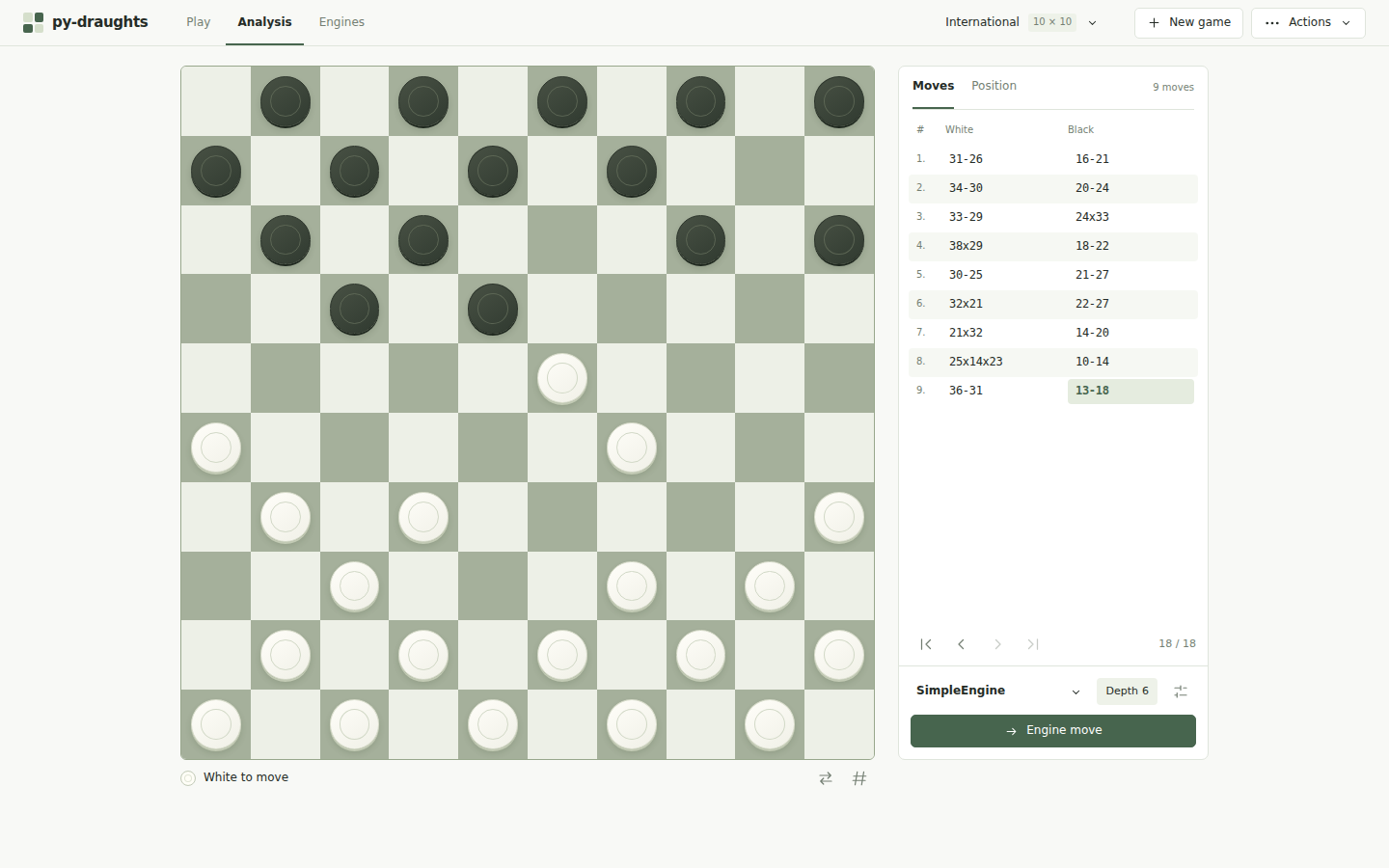
Desktop analysis view.
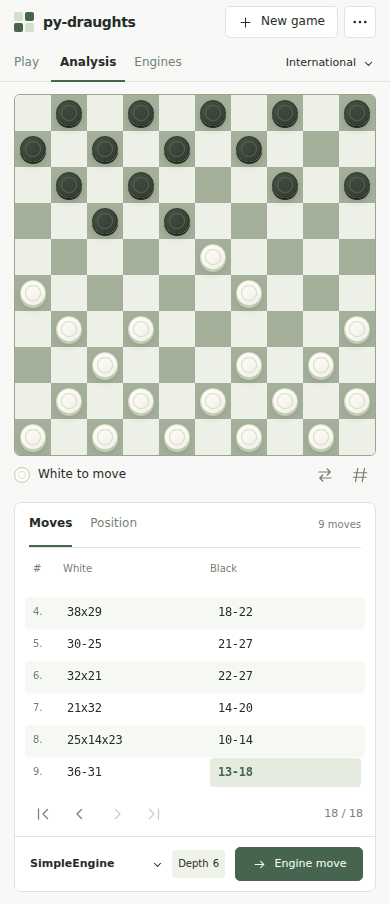
Mobile layout. The move panel sits below the board.
- class draughts.Server(board, white_engine=None, black_engine=None)[source]
Draughts game server with web UI.
Supports: - Human play via web interface - Single engine for computer moves - Two engines playing against each other (engine vs engine mode)
Quick Start
from draughts import Board, Server, SimpleEngine

board = Board()
server = Server(
    board=board,
    white_engine=SimpleEngine(depth_limit=6),
    black_engine=SimpleEngine(depth_limit=4)
)
server.run()  # Open http://localhost:8000
Command Line
Run just the UI with one command (no project setup needed), then open http://localhost:8000:
uvx --from py-draughts draughts-server
Or after pip install py-draughts:
draughts-server # same as: python -m draughts.server
Options: --port 8080, --host 0.0.0.0 (expose on the network),
--depth 8 (SimpleEngine search depth).
Engine Matches
Pit engines against each other:
from draughts import Board, Server, SimpleEngine, Engine
import random

class RandomEngine(Engine):
    def get_best_move(self, board, with_evaluation=False):
        move = random.choice(list(board.legal_moves))
        return (move, 0.0) if with_evaluation else move

server = Server(
    board=Board(),
    white_engine=SimpleEngine(depth_limit=6),
    black_engine=RandomEngine()
)
server.run()
Click “Auto Play” in the UI to watch the match.
Web UI Controls
Play / Analysis / Engines: Switch between the board controls and automatic engine play. These views share the same game.
New game: Reset the board and choose any of the eight supported variants.
Board: Select a piece to see legal destinations, then select a destination to move. Use the controls below the board to flip it or show square numbers.
Moves / Position: Navigate recorded moves backward and forward, or inspect the current FEN, legal-move count, and material. Playing from an earlier position replaces the later moves.
Engine move: Ask the engine configured for the current side to play one move. Set its depth in Engine settings (1–10). Engine choice is configured when creating the Python
Server, not in the browser.Auto play: Start or stop continuous play in the Engines view when both sides have engines configured. Stopping waits for an in-progress move to finish.
Actions: Import FEN or PDN, export FEN/PDN or an SVG board, copy a Python API example for the current position, and toggle dark mode.
The Server holds one shared board. Opening it in multiple browser tabs does
not create separate games.
API Endpoints
Endpoint |
Method |
Description |
|---|---|---|
|
GET |
Current board position |
|
GET |
Legal moves for current player |
|
GET |
FEN string |
|
GET |
PDN string |
|
GET |
Configured engines and depth |
|
POST |
Make a move |
|
GET |
Play engine’s best move |
|
GET |
Undo last move |
|
GET |
Navigate recorded half-moves |
|
POST |
Load position from FEN |
|
POST |
Load game from PDN |
|
GET |
Set engine search depth (1–10) |
|
GET |
Reset to a supported variant |